
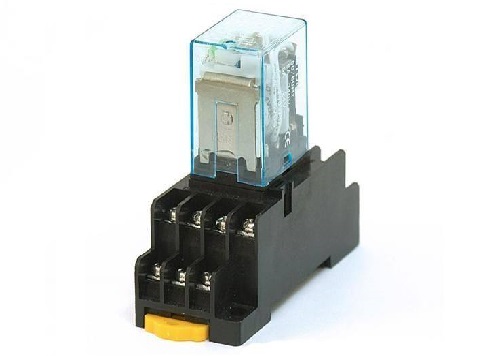
Nine main characteristics of Omron relays
Published:2022-12-30 11:10:12
1. Extremely small and lightweight type
Omron relay has developed and manufactured an extra small standard, the first relay profession at home and abroad, occupies a leading position in the market.
2, low drive current
The driving current is in the range of 6.5 -- 16 milliamps, achieving low current and contributing to environmental protection and energy saving.
3, long service life
Using optical signal transmission method, the contactless structure is set up. Avoid the shortening of service life caused by contact damage, complete the semi - ** drive.
4. The leakage current is small
It has the characteristics of resisting inrush current, and the buffer power supply circuit is added. The leakage current is very small when it is turned off.
5. Excellent impact resistance
The casting method is thoroughly selected for the internal components, and all the side components are fixed, without any movable components, so that its impact resistance and vibration resistance are excellent.
6. High margin
Omron relays transform electrical signals into optical signals, according to the optical signals to complete transmission, to achieve the effect of electrical isolation. The high margin is ensured when the breakdown voltage between input and output is AC2500V under standard conditions.
7. Noise reduction
Omron economizer handles the switching sound caused by metal contacts of mechanical relays, thus achieving the effect of noise reduction, almost no sound.
8. High speed response
Compared with mechanical relays, the operation of Omron relay only needs 1 second, and the response speed is much higher than the operation time of mechanical relays, which is at least 3 seconds.
9, appropriate control of subtle analog signals
Compared with the transistor, the dead zone is reduced, and the fine analog signal type is not easy to produce deformation.
-
 202307-27
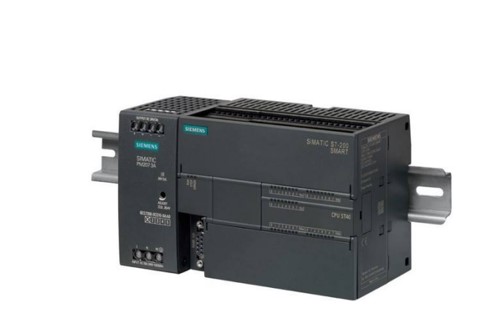
Siemens S7-200 SMART Common questions about serial communication
1. Does the S7-200 SMART support Modbus ASCII communication mode?STEP 7- The Micro/WIN SMART software does not provide the Modbus ASCII communication mode instruction library. If the S7-200 SMART CPU ···
-
 202212-30
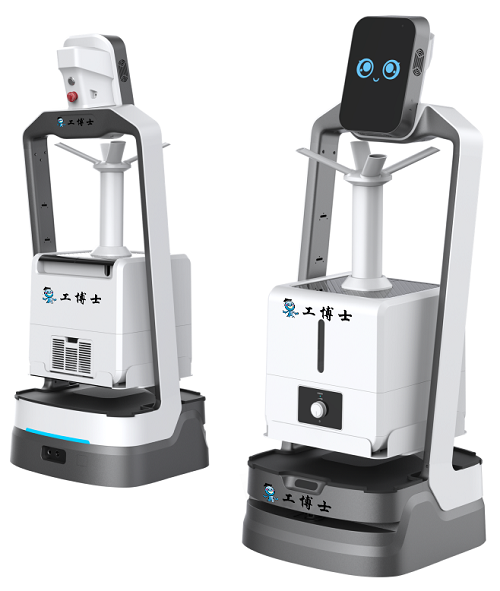
Gongboshi killing robot four advanced functions
The robot has four advanced functions: mask detection, explanation and reception, autonomous navigation and accurate obstacle avoidance, and cloud data management.The robot has the same voice interact···
-
 202302-10
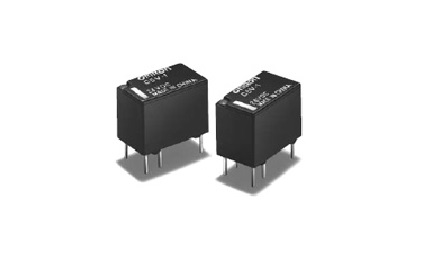
How to choose Omron relay
1, select the rated working current of electromagnetic relay coil: DC electromagnetic relay driven by transistor or integrated circuit, the rated working current of the coil (generally 2 times of the ···
-
 202410-16
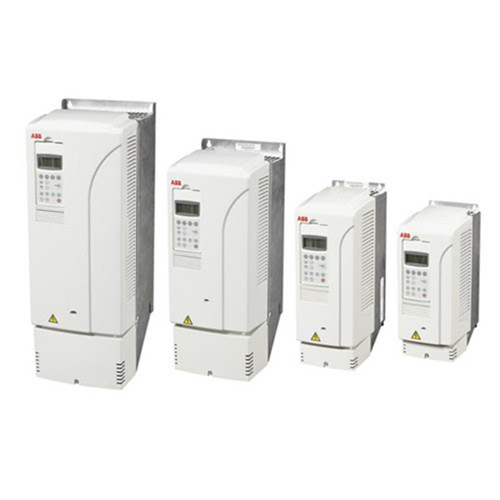
Enhance Efficiency with ABB Variable Frequency Drive
The key to enhancing plant performance lies in the variable frequency operation of ABB. You can rely on us.Main advantages of ABB variable frequency operation1.️ Energy efficiency reduces energy cost···
-
 202304-28
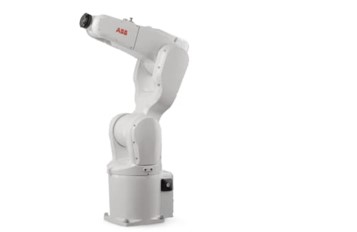
The ABB robot restores the UAS management permission
When managing user rights in the User authorization system, do not deselect UAS Settings for all user groups. If you deselect, no one has permission to manage users and groups, and you will not be abl···


 +86 13811814778
 +86 13811814778
 Building 26, Liyuan Community, Chaoyang District, Beijing, China