
What are the main items of Omron plc overhaul?
Published:2022-12-30 11:08:38
1. Check the power supply. Check whether the voltage change range at the power terminal is within the allowable ±10% range.
2. Work environment. Focus on checking whether the temperature, humidity, vibration, dust, interference, etc. meet the standard working environment.
3. Power supply for input and output. The voltage variation range can be measured at the corresponding terminal to meet specifications.
4. Check the installation status. Check whether the wires connected to each module and the cables between modules are loose, whether the screws of the external accessories are loose, whether the first year is aging, and so on.
5. Check whether the battery voltage meets the standard and metal components are corroded.
-
 202301-16
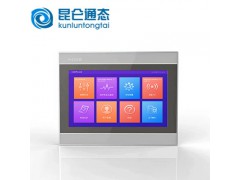
TPC1262HI Common faults of MCGS on-state touch screen
TPC1262HI Common faults of MCGS touch screen(1) Black screen, flower screen and white screen(2) LCD screen aging, low high pressure, lamp aging(3) The LCD screen has no display, and the brightness is ···
-
 202302-21
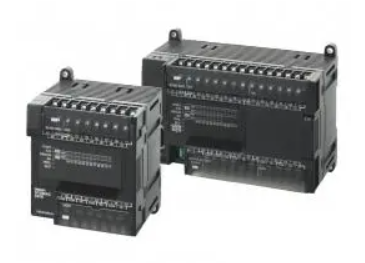
Omron CP1 series PLC interrupt classification
1. Direct I/O interrupt is a change in the interrupt input from the built-in input unit on the CPU rack (0→1; 1→0).2, count interrupt, PLC CPU unit built-in input pulse count, count reach set value ···
-
 202302-10
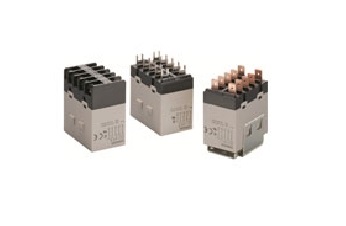
Parameter interpretation of Omron relay
Rated working voltage (current) :Also known as coil voltage, it refers to the voltage or current that the relay can work reliably. When the relay is working, the input voltage or current of the relay ···
-
 202305-19
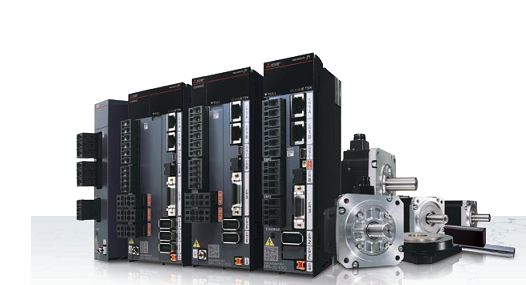
Mitsubishi PLC control inverter method
First, Mitsubishi plc analog signal control frequency converterHardware: fx1n type, fx2n type plc host, equipped with a simple FX1N-1DA-BD extended analog output board; Or analog input/output mixed mo···
-
 202302-16
Mitsubishi 5U PLC and MCGS touch screen connection
First of all, let's look at the interface Settings of Kunlun touch screen.1. Click the device window to enter Add PLC2. Add a TCP parent serial port and add a 5U device below3. Double-click the pa···


 +86 13811814778
 +86 13811814778
 Building 26, Liyuan Community, Chaoyang District, Beijing, China