
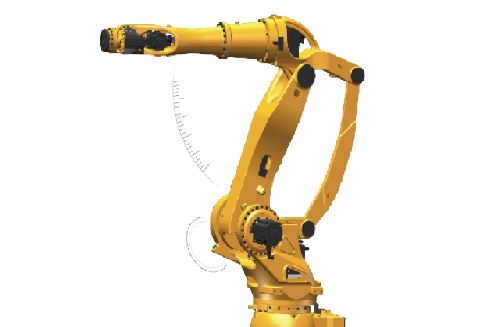
Maintenance steps of Eston Palletizing robot
Published:2023-08-10 14:42:06
One: machine cleaning
First, disconnect the power supply and remove debris around the machine. Wipe the surface of the machine with a clean cloth to ensure that there is no dust, grease and other impurities. For the cleaning of the inside of the machine, professionals are required to operate.
Two: Look at the machine parts
View all parts of the machine, including cables, sensors, motors, and mechanical parts. Ensure that the connection of all components is strong and will not loosen or fall off. If there is any problem, it needs to be repaired or replaced in time.
Three: Smooth machine
According to the instructions of the machine, regularly add the smoothing agent to the machine parts. This ensures that the machine components work smoothly and prevents wear between machine components.
-
 202212-29
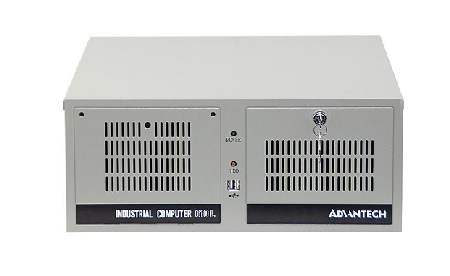
Advantech industrial computer can not open the machine what are the reasons?
One is the problem of the industrial computer motherboard, the second is the problem of the industrial computer power supply, the third is the problem of the display.Advantech industrial computer can ···
-
 202302-21
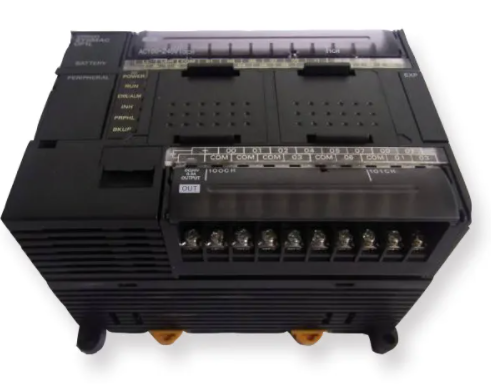
Omron plc equipment disassembly sequence and method
(1) Stop the machine for maintenance, and more than two people must monitor the operation;(2) Switch the mode selection switch on the front panel of CPU from "Run" to "Stop" positi···
-
 202302-16
Solution of MCGS communication problem
1. How to check the communication status of the device in Kunlun Mode (MVGS)In all MCGS non-board devices (except some custom devices), *** channels are communication channels. That is, after entering···
-
 202303-01
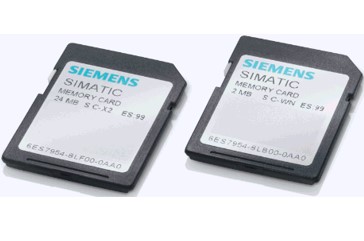
How to Use Siemens Memory Card to clear password or restore factory Settings
If the customer forgets the password previously set to the S7-1200, the S7-1200 internal program and password cannot be cleared by "restoring factory Settings", so the best way to clear is t···
-
 202302-07
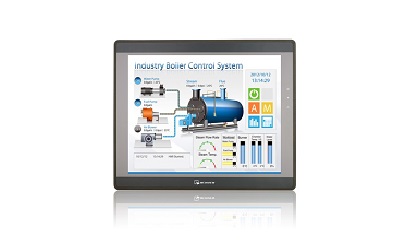
How do I set the IP address of the touch screen
How to set the IP address when the touch screen is in useFor example: CMT2109X2 and CMT2079XFirst - > Click the little yellow button on the touch screenNext - > Click the lock symbolAgain - >···


 +86 13811814778
 +86 13811814778
 Building 26, Liyuan Community, Chaoyang District, Beijing, China