
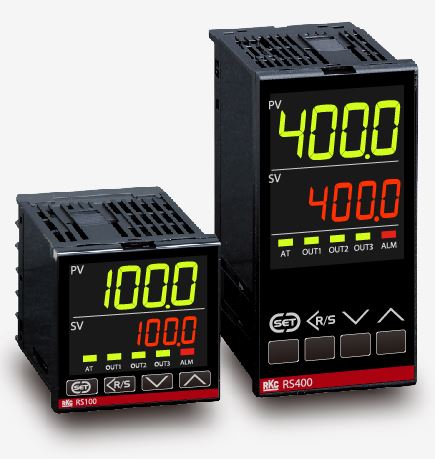
Common faults and treatment methods of rkc temperature controller
Published:2023-07-20 09:52:09
1, the power indicator is normal, but the temperature controller has no screen display. This fault is mostly caused by the temperature controller on the voltage regulator (7805 or 7812) in the long-term use of heat caused by solder joints break, sometimes there is a virtual welding phenomenon at the factory, the main re-welding can be.
2, the temperature controller shows normal, metal sleeve thermometer, Marine thermometer, V-type thermometer, copper sleeve thermometer but can not be added, generally for the heating element damage, in the case of confirming that the heating element is no problem, mostly for the relay bad (mostly in the heating power of more than 1000W in the instrument). If the relay is good, the relay drive element (9013) is bad. For solid-state relays, it is easy to damage, and for bidirectional thyristors, there is less burning.
3, the temperature controller appears to show the temperature is much higher than or much lower than the actual temperature, this phenomenon is generally the temperature sensor damage, replacement can be.
4, the temperature controller appears 999 or 000 beat and there is an alarm output, laser rangefinder, digital oscilloscope, ground resistance tester, anemometer this phenomenon is the sensor break, such as LLL or half 000, this phenomenon is the sensor short circuit, replacement.
-
 202302-22
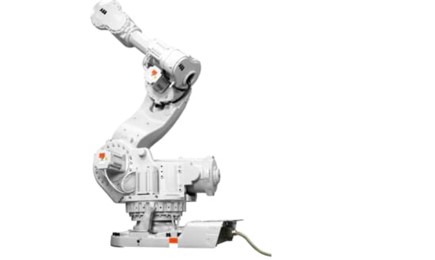
ABB robot model explanation and composition
IRB type robot is the famous Swedish robot life manufacturer ABB company,IRB refers to ABB standard series of robots. IRB robots are often used for welding, brushing, handling and cutting. Commonly us···
-
 202303-08
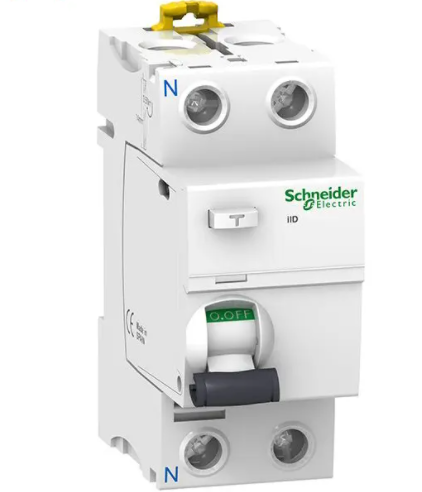
Cause of frequent trip of Schneider leakage switch
1. Bad deviceEach pile lead wire is not firmly connected, long-term loose, will cause the pile head heat, oxidation, burn the outer insulation of the wire, and announce the spark and coke taste, the f···
-
 202302-27
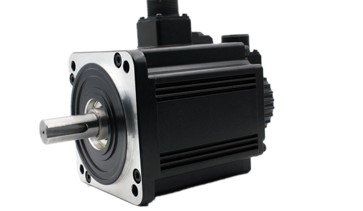
Delta servo motor how to choose?
In the selection of Delta servo motor, in principle should be based on the load conditions to choose. There are two kinds of loads on the motor shaft, namely damping torque and inertia load. The two l···
-
 202302-02
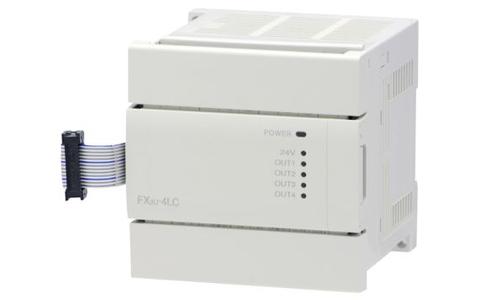
Mitsubishi PLC how to write hold circuit
Mitsubishi PLC has a very common circuit - a stick circuit. Persisting circuit means that when the external input switch is a button, it can adhere to the output by pressing the button through the per···
-
 202212-29
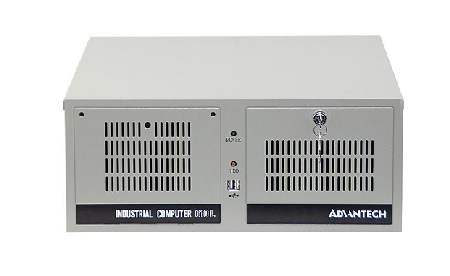
Advantech industrial computer can not open the machine what are the reasons?
One is the problem of the industrial computer motherboard, the second is the problem of the industrial computer power supply, the third is the problem of the display.Advantech industrial computer can ···


 +86 13811814778
 +86 13811814778
 Building 26, Liyuan Community, Chaoyang District, Beijing, China