
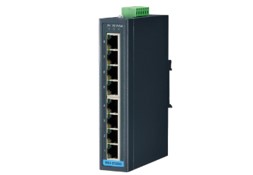
This section describes how to set a gateway for Advantech switch eki-2528
Published:2022-12-29 17:22:14
step 1: Configure a VLAN. You are advised to allocate a dedicated VLAN, for example, VLAN 1000, for the management IP address of the switch on the network.
Configuration command: vlan 1000
step 2: Set an address for the VLANIF interface. Assume that the management VLAN of the switch is 1000, set an address for the VLANIF interface.
Configuration command: interface vlanif 1000ip address 192.168.1.1 24
step 3: Configure the Trunk interface. After configuring the addresses for the management VLAN and management VLANIF interfaces on the switch, the Trunk interface must pass through.
Configuration command: interface g 0/0/1port link-type trunkport trunk allow-pass vlan 1000
Home Wireless router Management address Configure the management address of a wireless router commonly used on a home network. On the network Settings page of the wireless router, set the management address. If the wireless router functions as a switch to extend the coverage of wireless WiFi, disable the DHCP service.
-
 202303-03
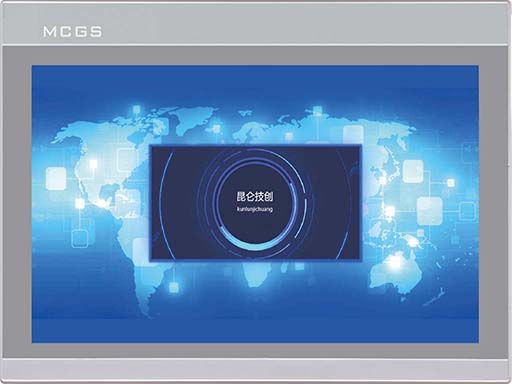
MCGS touch screen 485 communication precautions
1. Variables in the real-time runtime cannot simultaneously add channels and use functions to send data.2. In the parent device of the universal serial port, COM port indicates 232 or 485. In touch, C···
-
 202308-28
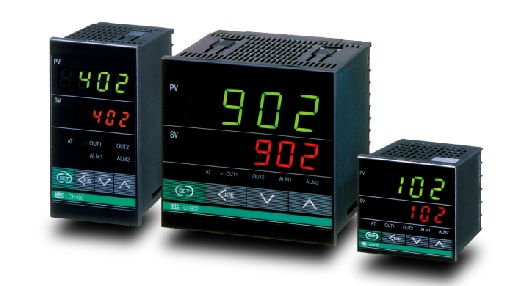
RKC Thermostat -What are the common faults of thermostat?
1, the power does not appear. This kind of problem first confirm whether the power supply is available and whether the power supply is matched with the power supply required by the thermostat, and the···
-
 202302-09
How to maintain MCGS touch screen
1. Wipe the phone screen with a dry cloth before opening it every day.2. Drinks or drops falling on the screen will cause the software to stop the reaction. This is because water droplets and fingers ···
-
 202302-09
Step of MCGS screen upload program
1. Install the MCGS configuration software on the computer first, and then find a power supply to power the touch screen. Connect the screen to the computer with the communication cable, and you can o···
-
 202604-24
From Hardinge to Kellenberger:A Brand's Rebirth After Bankruptcy and a New Start in China
Once a well‑known name in the global machine tool industry,the U.S.‑based Hardinge Group has gone through bankruptcy protection,asset sales,and business restructuring.By December 2025,its Chinese su···


 +86 13811814778
 +86 13811814778
 Building 26, Liyuan Community, Chaoyang District, Beijing, China