
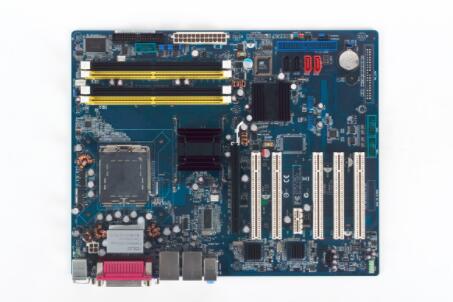
Advantech motherboard how to enter the U disk starter
Published:2023-06-30 09:44:36
If you can access the operating system before reinstalling the industrial computer system, you should back up important data and drivers to avoid the loss of important files due to system reinstallation.
If the user's computer has a major problem and can not start normally, then the user can also use the system CD or U disk boot disk into the WindowsPE system to back up important data.
The installation method of the industrial computer reinstallation system is basically similar, the system reinstallation can be divided into Ghost reinstallation, system CD reinstallation and software reinstallation, of which Ghost reinstallation is the most convenient and simple, is the most common reinstallation system method. Several methods are described below:
1, Ghost reload
Ghost reinstallation is the most simple and convenient way to reinstall the system, almost all computer stores and repair shops and unofficial system discs are based on Ghost reinstallation, Ghost reinstallation has the advantages of easy operation, fast reinstallation and simple method.
2, U disk reload
U disk installation system is currently a more convenient way to reinstall the system, just download U disk start disk production tool to make U disk start disk, and then set the U disk start when entering the system, the production tool can be downloaded online.
3, CD reload
The use of CD reinstallation system is the most common use method, directly using the CD direct boot selection reinstallation. First of all, we set to CD/DVD-ROM boot in the BIOS or press related shortcut keys to enter the boot menu and select CD/DVD-ROM boot.
4. Hard disk installation
Download the ISO from the Internet (Microsoft original is recommended), then unzip it to a non-system disk, then run the setup.exe program on it, select advanced options and select the drive letter when installing. After that, the work is fully automatic and unattended. If a genuine image is installed on a hard disk, the original system disk will not be formatted, but the original file will be moved to a folder, but the original operating system cannot be returned.
-
 202303-24
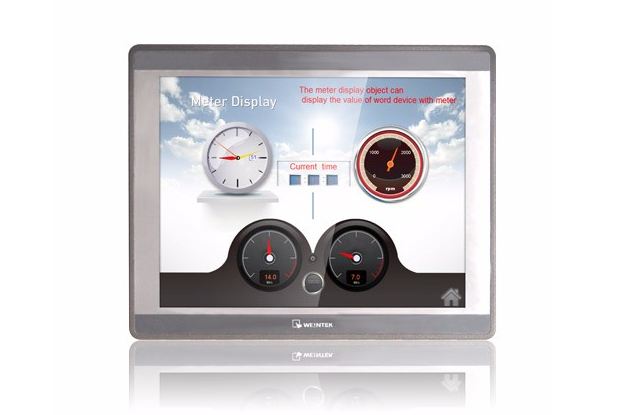
How does the WEINVIEW touch screen connect with the Omron NJ controller?
First, Omron NJ controller programming1. Create the structure data type required by the project. For example, the Boolean switch quantity used in this example is combined to establish a structure data···
-
 202303-17
Installation guide for Siemens S7--200 equipment
The S7-200 can be mounted on a panel or standard guide rail. The S7-200 can be mounted horizontally or vertically.warningSIMATIC S7-200 PLC is an open controller. It requires the S7-200 to be installe···
-
 202304-21
Fault detection methods for Omron relays
Fault detection Method One1. You can first check whether the voltage of the Omron relay is high or low. Generally, the maximum voltage is between 180V and 240V.Fault detection Method two2. In addition···
-
 202301-09
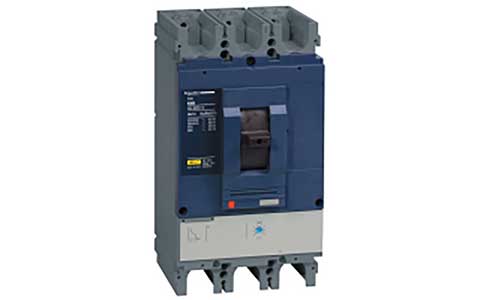
Schneider frame circuit breaker MT circuit breaker failed to close the switch problem
Schneider structural circuit breaker has not stored energy (check the power supply of the energy storage motor, if normal check whether it can be manually stored energy)MX shunt coil live (disconnect ···
-
 202301-13
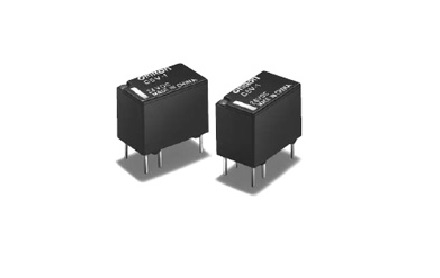
Working principle and application of Omron relay
Working principleWhen a certain voltage is added to both ends of the coil, a certain current will flow through the coil, resulting in electromagnetic effect. Under the action of electromagnetic force ···


 +86 13811814778
 +86 13811814778
 Building 26, Liyuan Community, Chaoyang District, Beijing, China