
The alarm code cause and diagnosis method of the cabinet air conditioner of Rittal
Published:2023-07-07 09:29:33
Alarm code: A01
System message: Open the cabinet door
Air conditioning cause: The opening and closing position is incorrect
Diagnostic method: Check the transition position of the door and, if necessary, check the connection status
Alarm code: A02
System message: The temperature inside the cabinet is too high
Cause: The cooling capacity is too low or the sequence error message of smaller air conditioners is from A03 to A07
Diagnostic method: Check the cooling capacity
Alarm code: A03
System messages: Filter monitoring
Cause: The filter is dirty
Diagnosis: Clean or replace the air conditioner
Alarm code: A04
System message: Ambient temperature is too high/too low
Cause: The ambient temperature allowed range of 10 degrees to 60 degrees
Diagnosis: Raising or lowering the ambient temperature (e.g. heating or ventilating the room)
Alarm code: A05
System message: Ice
Cause: According to the operation mode, icing display
Diagnosis Method: Increase the normal temperature in the cabinet RITTAL cabinet (rittal cabinet)
Alarm code: A06
System message: PSA (High Voltage switch) monitor
Causes: The ambient temperature is too high, the condenser is dirty, the condensation filter is dirty, the condensation fan is broken, the expansion valve is broken, and the PSA (high pressure switch) monitor is broken
Diagnosis: The air conditioner high pressure exceeds the limit, clean the condenser or replace the filter, replace the condensing fan, expansion valve and PSA monitor should be repaired or replaced by engineers
Alarm Code: A07 System Message: Evaporator
Cause: Cooling failure
Diagnosis: Repair by refrigeration engineer
Alarm code: A08
System message: condensate alarm
Cause: Only some condensation in the air conditioner evaporates
Diagnosis: Check the condensate discharge and clean the foreign matter in the hose

-
 202301-12
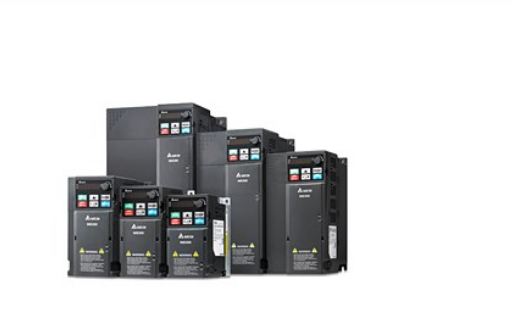
Delta UPS uninterruptible power supply basic conditions
1. Visually inspect the UPS and battery (or other energy storage) equipment for obstructions and properly cool the surrounding area.2. Ensure that there is no abnormal operation or warning on the UPS ···
-
 202302-06
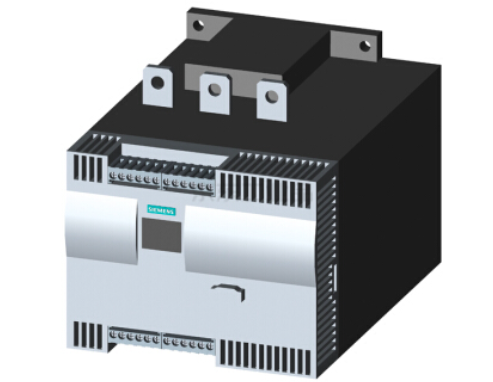
Siemens Soft Starter 3RW44 can self-reset can be fault
Not all faults can be self-reset. The faults that can be self-reset are as follows (The method of self-reset is to set the corresponding parameters in the menu of the LCD screen) :1) Motor thermal mod···
-
 202309-14
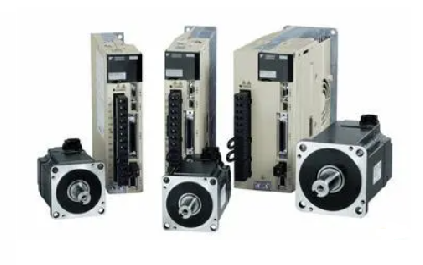
Yaskawa servo drive debugging method steps
1. Basic wiringThe main power input is 220V, which is connected from L1 and L3 (the actual use should refer to the operation manual); Control power input r, t can also be directly connected - 220V; Mo···
-
 202301-09
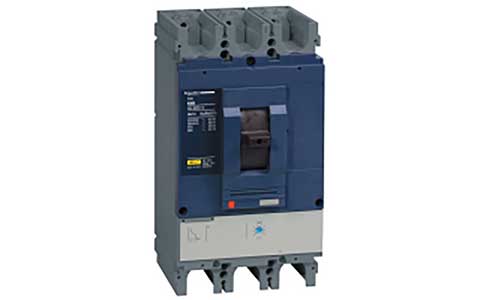
Schneider frame circuit breaker MT circuit breaker failed to close the switch problem
Schneider structural circuit breaker has not stored energy (check the power supply of the energy storage motor, if normal check whether it can be manually stored energy)MX shunt coil live (disconnect ···
-
 202301-13
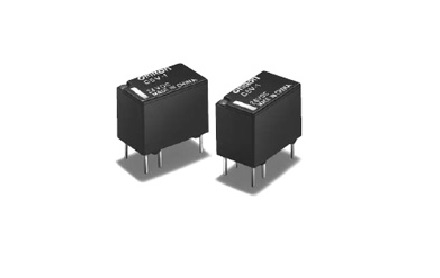
Working principle and application of Omron relay
Working principleWhen a certain voltage is added to both ends of the coil, a certain current will flow through the coil, resulting in electromagnetic effect. Under the action of electromagnetic force ···


 +86 13811814778
 +86 13811814778
 Building 26, Liyuan Community, Chaoyang District, Beijing, China