
Mitsubishi PLC source type and leakage type difference
Published:2023-02-13 16:55:00
Mitsubishi PLC split source type (PNP) or leak type (NPN), the following is their difference
1: Leaky logic: When current flows out of the signal input terminal, the signal changes to ON, indicating leaky logic. The current flows in from the terminal, with NPN transistor output characteristics.
2: source-type logic: When current flows into the signal input terminal, the signal changes to ON, indicating source-type logic. The current flows from the terminal, with PNP transistor output characteristics.
Take positive power supply as an example:
When the signal terminal declares "ON" signal, if the voltage at this time is low (0V), it is leaky logic.
When the signal terminal declares "ON" signal, if the voltage at this time is high (PLC, inverter, etc., generally 24V), it is the source logic.
A source input is high, meaning current flows in from the input point, and a drain input is low, meaning current flows out from the input point.
-
 202309-22
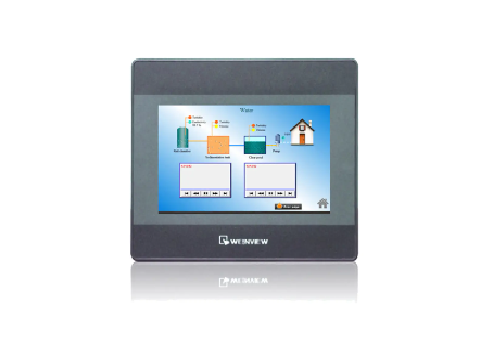
WEINVIEW touch screen response slow inspection method
1, view the appearance of the WEINVIEW touch screen: Observe whether there is dirt, fingerprints or scratches on the appearance of the WEINVIEW touch screen, which may affect the sensitivity and accur···
-
![[Gongboshi case] electric control cabinet box welding - Doctor of engineering independent brand to help customers intelligent upgrade production line](/static/upload/image/20221230/1672385439299376.png) 202212-30
202212-30[Gongboshi case] electric control cabinet box welding - Doctor of engineering independent brand to help customers intelligent upgrade production line
Welding of electric control cabinet cabinetIn this case, the welding robot is combined with the Doctor of engineering robot positioner and gun cleaning station to realize the automatic welding of the ···
-
 202307-27
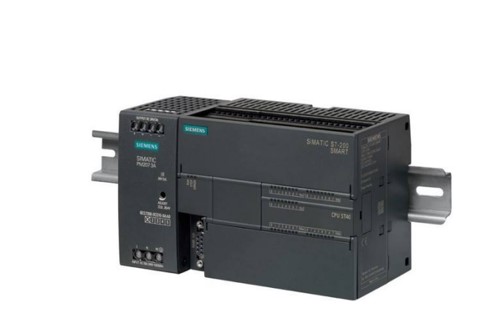
Siemens S7-200 SMART Common questions about serial communication
1. Does the S7-200 SMART support Modbus ASCII communication mode?STEP 7- The Micro/WIN SMART software does not provide the Modbus ASCII communication mode instruction library. If the S7-200 SMART CPU ···
-
 202302-09
Step of MCGS screen upload program
1. Install the MCGS configuration software on the computer first, and then find a power supply to power the touch screen. Connect the screen to the computer with the communication cable, and you can o···
-
 202302-03
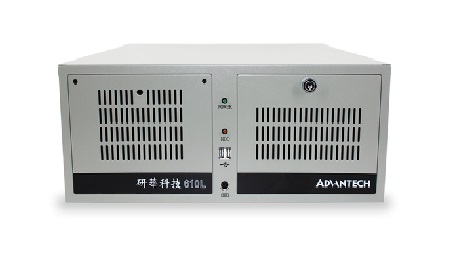
Reasons and solutions for the failure of Advantech Industrial computer
Advantech industrial computer can not open the machine may be industrial computer motherboard problemAdvantech industrial computer boot will self-check, to determine the condition of the machine, if t···


 +86 13811814778
 +86 13811814778
 Building 26, Liyuan Community, Chaoyang District, Beijing, China