
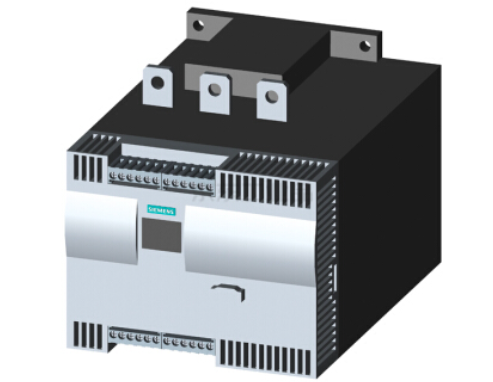
Siemens Soft Starter 3RW44 can self-reset can be fault
Published:2023-02-06 16:15:46
Not all faults can be self-reset. The faults that can be self-reset are as follows (The method of self-reset is to set the corresponding parameters in the menu of the LCD screen) :
1) Motor thermal model overload. The method to achieve self-reset is to select "Settings" -> "Response..." -> "Hot load Motor Model - Overload" -> "Trip Restart"
2) Power element overheating. The method to achieve self-reset is to select "Settings" -> "Response..." -> Thyristor Overload -> Trip Restart
3) The temperature sensor is overloaded. The method to achieve self-reset is to select "Settings" -> "Response..." -> Temperature Sensor-Overload -> Trip Restart
4) The temperature sensor is short-circuited. The method to achieve self-reset is to select "Settings" -> "Response..." -> Temperature Sensor-Overload -> Trip Restart
5) The temperature sensor wire is broken. The method to achieve self-reset is to select "Settings" -> "Response..." -> Temperature Sensor-Overload -> Trip Restart
6)PIO error. No parameters to set
After the parameters are set, the soft starter can reset itself when the fault is removed automatically or manually.
-
 202301-10
Failure analysis of Mitsubishi Frequency Converter OC1 and OC3
Many times when Mitsubishi frequency converter presents OC (overcurrent problem), it is caused by the following reasons. Take A500 series frequency converter as an example:1) Caused by improper parame···
-
 202308-03
Mitsubishi inverter commissioning procedure before use
First, Mitsubishi inverter no-load power test.1. Ground the ground terminal of the Mitsubishi frequency converter.2 Connect the power input terminal of the Mitsubishi inverter to the power supply thro···
-
 202303-02
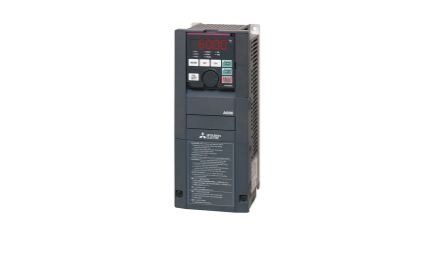
Mitsubishi Inverter alarm history confirmation and clearance
When the FR-CS80 converter detects an anomaly, it will display fault information or alarm in the operation panel according to the abnormal content, or maintain functional action and block the output o···
-
 202302-13
Mitsubishi PLC source type and leakage type difference
Mitsubishi PLC split source type (PNP) or leak type (NPN), the following is their difference1: Leaky logic: When current flows out of the signal input terminal, the signal changes to ON, indicating le···
-
 202309-01
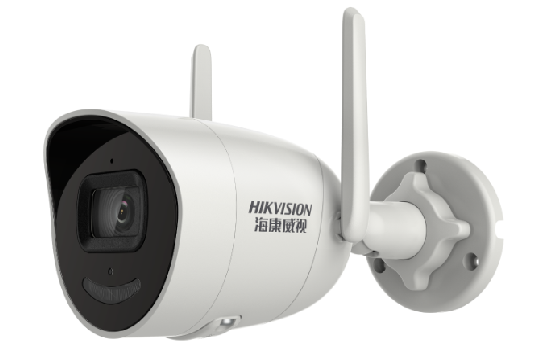
The Hikvision camera indicates that the network access is abnormal
1. Check whether the network is stable and packet loss occurs.2. Check whether IP addresses conflict.3. Check whether the power supply of the device is normal.4. Check whether the network cable and ca···


 +86 13811814778
 +86 13811814778
 Building 26, Liyuan Community, Chaoyang District, Beijing, China