
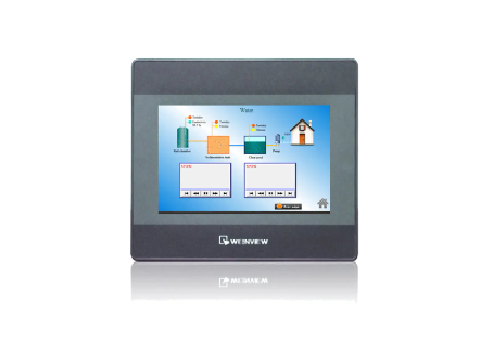
WEINVIEW touch screen response slow inspection method
Published:2023-09-22 14:23:05
1, view the appearance of the WEINVIEW touch screen: Observe whether there is dirt, fingerprints or scratches on the appearance of the WEINVIEW touch screen, which may affect the sensitivity and accuracy of the contact. Clean with a soft cloth or special Verenton touch screen cleaner.
2, close other applications: If multiple applications are running on the device at the same time, it may lead to excessive load on the system, resulting in a slow response to the Velenton touch screen. Block or exit some unnecessary background applications to free up system resources.
3, Restart the device: try to restart the device from scratch, which helps eradicate temporary software problems and rehabilitate system performance.
4, adjust the touch screen sensitivity Settings: check the device's touch screen Settings, may be able to adjust the sensitivity and response speed of the touch screen.
5. Perform Verandon touch screen calibration: Find the Verandon touch screen calibration option in the device Settings or menu, and perform Verandon touch screen calibration according to the guidelines. Ab initio calibration corrects for inaccuracy or slow response of the Verenton touch screen.
-
 202302-16
Solution of MCGS communication problem
1. How to check the communication status of the device in Kunlun Mode (MVGS)In all MCGS non-board devices (except some custom devices), *** channels are communication channels. That is, after entering···
-
 202212-30
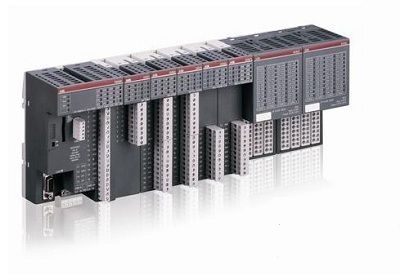
What are the PLC characteristics of ABB?
1, high reliability, strong anti-interference abilityHigh reliability, strong anti-interference ability is one of the most important characteristics of PLC. The average trouble-free time of PLC can re···
-
 202301-31
Influence of Delta impulse current on frequency converter
In the process of maintenance of frequency converter, it is found that due to the back electromotive force in the stator winding, the electromotive force in the motor under the condition of synchronou···
-
 202302-20
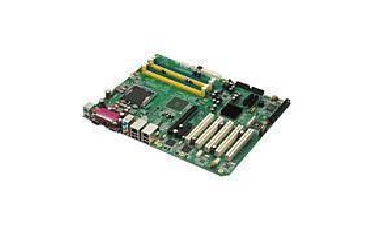
This section describes how to set the bios of Advantech mainboard
1. Set the system date and timeOn the standard BIOS setting screen, press arrow keys to move the cursor to Date and Time, and then press Page Up/Page Down or +/&S722 to correct the date and time o···
-
 202301-06
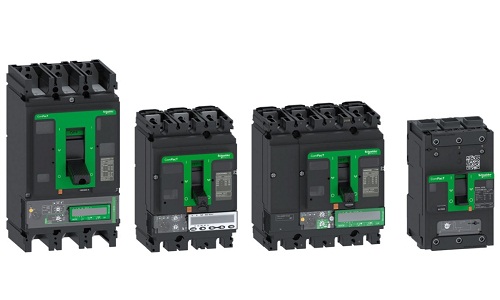
Schneider isolation switch operation essentials
Schneider barrier switch features: First of all, Schneider barrier switch can be used to block the power supply, it can disconnect live equipment and high voltage maintenance equipment, but also can s···


 +8618621383628
 +8613811814778
 info@zhongpingtech.com
 Building 26, Liyuan Community, Chaoyang District, Beijing, China