
The ABB robot restores the UAS management permission
Published:2023-04-28 10:18:45
When managing user rights in the User authorization system, do not deselect UAS Settings for all user groups. If you deselect, no one has permission to manage users and groups, and you will not be able to regain this permission.
If you do this by accident, follow the instructions below:
Operation procedure
This section details how to gain permission to manage users and groups.
operation
1. Open the module containing the computer unit and connect the computer to the service port.
2. Start the terminal program and enter the uas_disable command.
3. Perform the hot start of the system.
When the system restarts, you will have full access to the controller.
When UAS is disabled, you cannot communicate on the LAN.
4. Select the UAS authorization box as required.
5. Restart the system again.
When the system restarts, the UAS will again have full functionality.

-
 202302-07
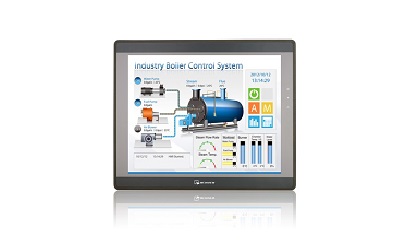
How do I set the IP address of the touch screen
How to set the IP address when the touch screen is in useFor example: CMT2109X2 and CMT2079XFirst - > Click the little yellow button on the touch screenNext - > Click the lock symbolAgain - >···
-
 202309-14
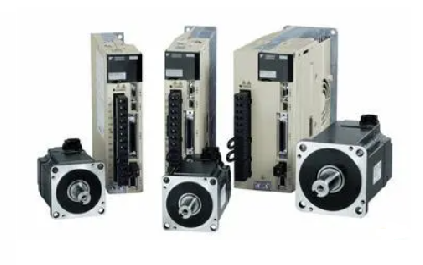
Yaskawa servo drive debugging method steps
1. Basic wiringThe main power input is 220V, which is connected from L1 and L3 (the actual use should refer to the operation manual); Control power input r, t can also be directly connected - 220V; Mo···
-
 202212-30
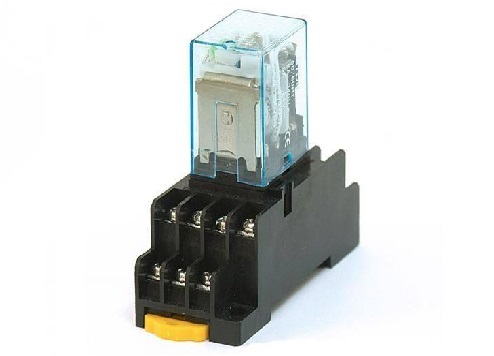
Nine main characteristics of Omron relays
1. Extremely small and lightweight typeOmron relay has developed and manufactured an extra small standard, the first relay profession at home and abroad, occupies a leading position in the market.2, l···
-
 202301-13
Working principle and application of Omron relay
Working principleWhen a certain voltage is added to both ends of the coil, a certain current will flow through the coil, resulting in electromagnetic effect. Under the action of electromagnetic force ···
-
 202212-29
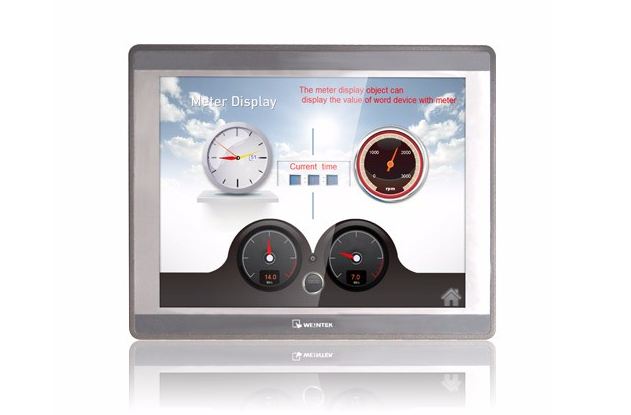
What symptom can WEINVIEW touch screen motherboard malfunction appear?
1. The motherboard cannot recognize/display peripheral devices.2. Peripherals will stop working for a few seconds or more.3. A slow startup may indicate that your motherboard is broken, although it co···


 +8618621383628
 +8613811814778
 info@zhongpingtech.com
 Building 26, Liyuan Community, Chaoyang District, Beijing, China