
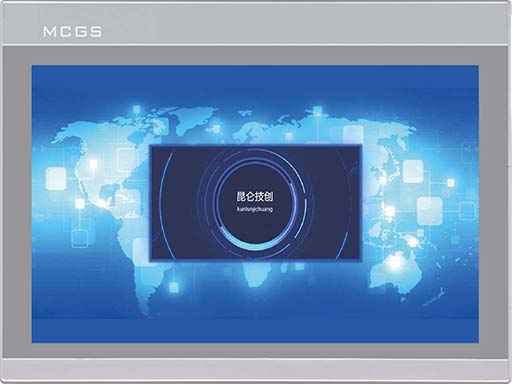
MCGS touch screen 485 communication precautions
Published:2023-03-03 14:44:53
1. Variables in the real-time runtime cannot simultaneously add channels and use functions to send data.
2. In the parent device of the universal serial port, COM port indicates 232 or 485. In touch, COM1 indicates 232 and COM2 indicates 485.
3. Check the IP address of the touch screen. You can click the progress bar when the touch screen starts, and the IP address of the touch screen is displayed inside.
4. When using MCGS touch screen, data can be sent to the outside through the channel connection variable, or through the function.
-
 202301-06
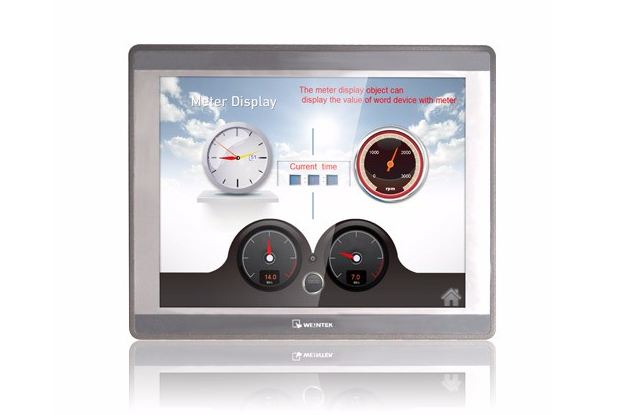
Fault analysis and maintenance steps of WEINVIEW touch screen failure to turn on
1. The power cable is incorrectly connectedThis may seem obvious, but make sure the power cord is connected to the back of the touch screen and plugged into a power outlet. If it looks connected corre···
-
 202302-09
How to maintain MCGS touch screen
1. Wipe the phone screen with a dry cloth before opening it every day.2. Drinks or drops falling on the screen will cause the software to stop the reaction. This is because water droplets and fingers ···
-
 202212-29
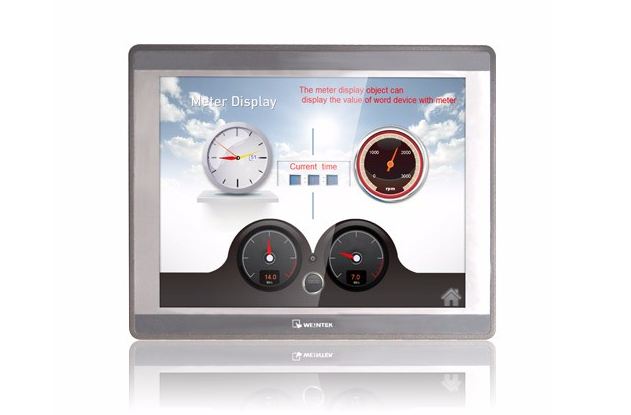
What symptom can WEINVIEW touch screen motherboard malfunction appear?
1. The motherboard cannot recognize/display peripheral devices.2. Peripherals will stop working for a few seconds or more.3. A slow startup may indicate that your motherboard is broken, although it co···
-
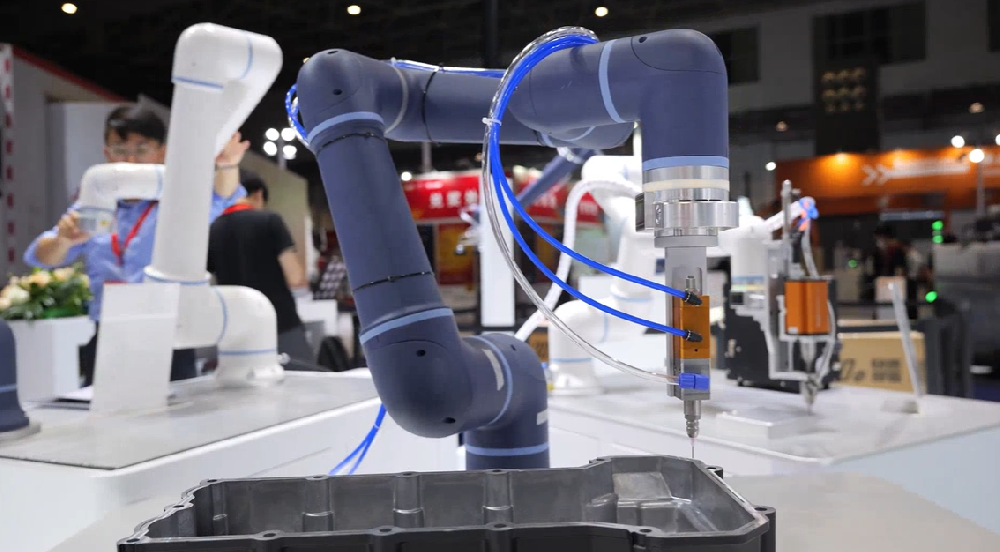 202512-25
ESTUN Smart Gluing & Dispensing Solution: Elevating Precision, Safety, and Cost-Efficiency
In modern manufacturing,gluing and dispensing operations demand uncompromising precision,consistency,and adaptability.As industries shift toward flexible production andcost optimization,ESTUN’s Solo ···
-
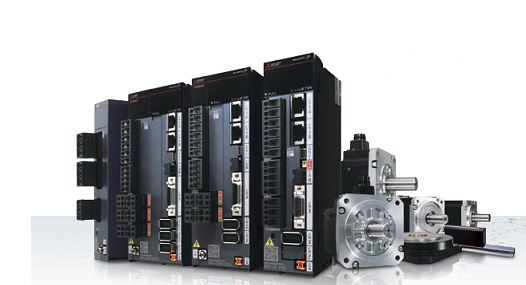 202304-07
Mitsubishi plc program lost backup program write method
The plc program is lost because of the lack of battery power supply for the user to save the program, pc internal circuit problems, lightning strikes and other external high voltage impact caused by t···


 +8618621383628
 +8613811814778
 info@zhongpingtech.com
 Building 26, Liyuan Community, Chaoyang District, Beijing, China